Visit our
SM Registry Link.
Please note that you’ll need to Create/Sign-in your account with
SM Store Gift Registry for this option.
Choose a gift: Browse the list, select the
item(s) you’d like to give, and add them to your cart.
Check out: Follow the prompts to pay securely
online.
Option 2: Shop In-Store (At Any SM Store)
Visit the Registry Counter: Head to the Customer
Service or Gift Registry desk at any SM Department Store
nationwide.
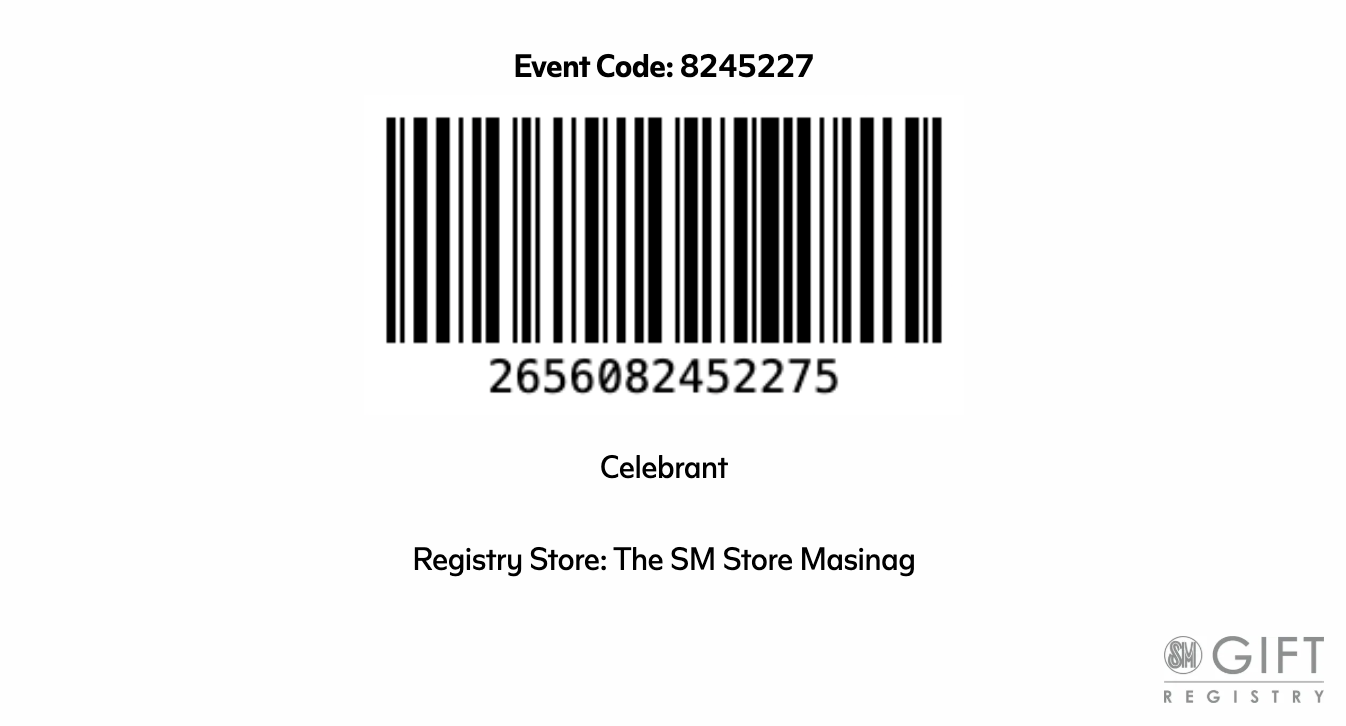
Present the event code below.
Shop & Scan: Pick up the items from the
department store shelves. When you pay at the cashier, make sure
they scan the registry barcode so the item gets marked as
"purchased" on our list.